Dronefront Ready For Takeoff Badge
Start a UAV at the attackers-base hangar and claim the new Operator milestone.
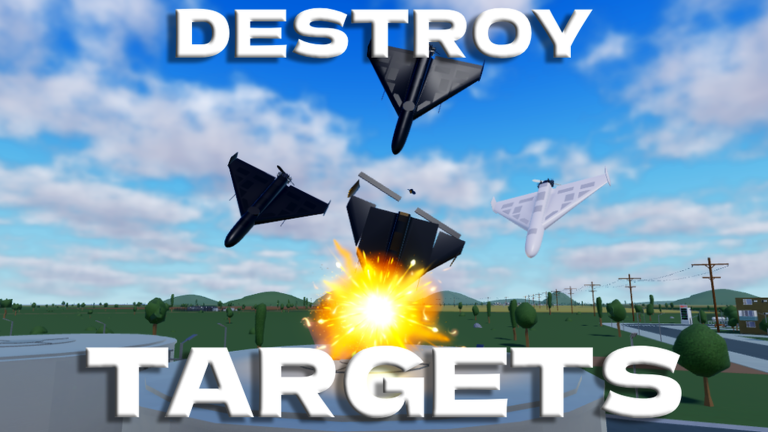
Ready For Takeoff is one of the newest Dronefront badges on Roblox. Official badge text is clear: successfully start up the engine of one of the UAVs at the hangar of the attackers base. This guide turns that one-line prompt into a practical route for Operators grinding during BIG UPDATE weeks — without confusing it with Storm Shadow hunts or Summer Event boards.
Fiction disclaimer
Hangars, UAVs, and attacker bases are fictional Roblox sandbox props. They do not represent real airfields or conflicts.
Badge facts (verified)
| Field | Detail |
|---|---|
| Official requirement | Start a UAV engine at the attackers-base hangar |
| Best team | Drone Operator (hangar access is attacker-side) |
| Difficulty | Low–medium once you find the hangar |
| Related gear | Shop FPV lines (KVN, Interceptor), rocket platforms such as community-tracked FP-1 |
| Why it matters | Fast Operator milestone during Aug 2026 BIG UPDATE banners |
Catalog context: Badges & Items. Hunt order: Badge Hunting.
Step-by-step unlock
- Join Dronefront from the official Roblox experience and pick Drone Operator — see Teams Overview if you are unsure.
- Navigate to the attackers base. If landmarks shifted after Town Remake, ask in chat or follow Operator spawn flow rather than outdated Civilian plazas.
- Enter the hangar area where UAVs or launch platforms are staged.
- Interact to start the engine on an eligible UAV. Stand still until the prompt completes — leaving early can fail the badge.
- Confirm the Roblox badge toast. If nothing awards, rejoin a fresh server after a restart and try again — active development causes frequent restarts during BIG UPDATE weeks.
Mid-guide video
The embedded hangar / rocket-drone footage shows how attacker-side UAV staging looks during recent update weeks. Use it to recognize hangar silhouettes, then verify the live interact prompt in your client before copying any creator’s exact prop pile.
Pair the badge with real progression
Ready For Takeoff is a milestone, not a Fragments printer. After you claim it:
- Master FPV Controls on KVN (thermal vision scout bought at the attackers base).
- Read Operator Guide for infrastructure priorities.
- Spend with Fragment Planner — do not buy Shahed-238 before you can finish a scout pass.
- Compare platforms on Drones Tier List and Drones & Missiles, including newer rocket drones creators label FP-1.
How this differs from other Operator badges
| Badge | Requirement style |
|---|---|
| Ready For Takeoff | One hangar engine start |
| KVN / Interceptor | Fragments shop permanent unlocks |
| Storm Shadow | Multi-key exploration hunt |
| Summer Event 2026 | Timed board through Aug 31, 2026 |
| Survive The Impossible | Stay wave 1→10 without leaving — Survive The Impossible |
Do not grind Carbon Fiber hoping for a hangar drop — that badge is retired after the 11.06.2026 update. Gift Collector is a retired 2025 Winter exclusive.
Common failures
- Trying the hangar as Civilian or Defender without attacker access
- Leaving the interact prompt mid-startup during a server restart
- Confusing the hangar with Storm Shadow key props inland
- Watching “The Lost Front” videos — wrong Roblox game
- Expecting promo codes to award the badge — none confirmed on Codes Hub
Related pages
Start the engine once, claim the toast, then spend your session on routes that actually print Fragments.
Frequently Asked Questions
Quick answers to the most common questions.
How do you get Ready For Takeoff in Dronefront?
As a Drone Operator, go to the attackers-base hangar and successfully start the engine on one of the UAVs there.
Which team can earn Ready For Takeoff?
Drone Operator is the practical team because the hangar sits on the attackers base.
Is Ready For Takeoff the same as Storm Shadow?
No. Ready For Takeoff is a hangar engine start. Storm Shadow is a longer exploration hunt with keys and a final prompt.
Does the badge give Fragments?
The badge itself is a milestone award. Fragments still come from gameplay, events, and shops — see Earn Fragments.
What if the hangar prompt does nothing?
Rejoin after a restart, confirm you are Operator on the attackers base, and verify the live interact text — BIG UPDATE weeks move props often.